AVA
Audio Visualization Analyzer for Mac
Coming soon to the Mac App Store. Requires macOS 26 or later.

Why I built AVA
I love watching music move, but most spectrum analyzers live in a window of their own: a box you have to make room for and keep switching back to. I wanted one that felt like part of macOS, something that could sit quietly along the bottom of the screen, float over whatever I'm working on, or tuck in behind it, and just be there while the music plays.
Questions or feedback? spencer@mcewen.us
What makes it different
Part of your desktop, not a window
Transparent backgrounds and adjustable visuals opacity let AVA sit on top of or behind your other windows. Overlay mode lets clicks pass straight through.
Pinned to any edge
Snap the strip to the bottom, top or side of any display, at any size, even over the Dock.
Hears your apps directly
Core Audio process taps let AVA listen to one app or all of them. No virtual audio drivers or loopback devices, and nothing is ever recorded.
Drawn on the GPU
Every style renders with Metal and shares glow and trail effects, and AVA goes idle when the music stops.
Styles
Eight styles, each with its own controls and built-in presets. Every image below is AVA's own renderer playing the same track.







Getting started
- Open AVA. It lives in the menu bar: click its icon for styles, audio sources and window modes.
- Play some music. The first time, macOS asks for permission to capture audio. AVA analyzes the sound live and never records it.
- Under Listening to, choose All system audio or a single app, like Music or Safari.
- Pick a style, then open Settings… (⌘,) to fine-tune it.
Windowed and Overlay
In Windowed mode the strip behaves like a window you can move and resize. In Overlay mode clicks pass straight through it to whatever is underneath. Hold ⌥⌘ over the strip to interact with it for a moment.
Global shortcuts
- ⌃⌥⌘V switches between Windowed and Overlay.
- ⌃⌥⌘↓ snaps the strip to the edge of the display.
Both can be changed in Settings.
Settings
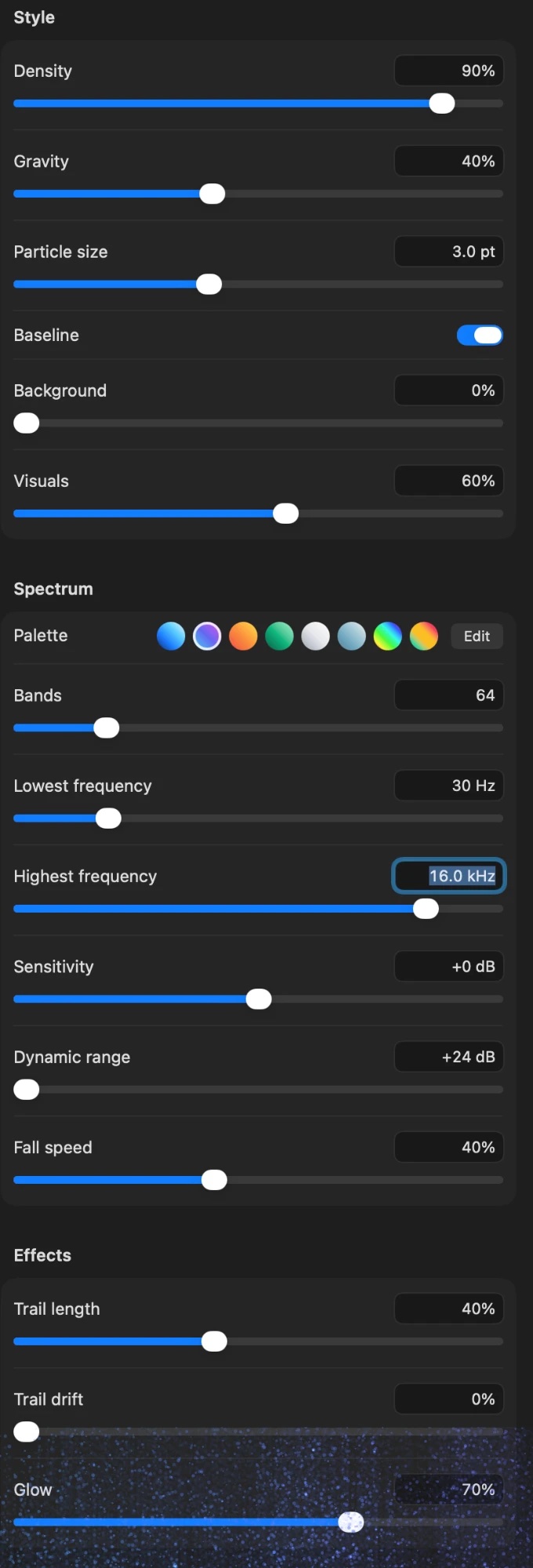
Styles
Every style has its own settings, saved separately, so tuning one never changes another. Styles are grouped into style-specific controls, Spectrum (palette, number of bands, frequency range, sensitivity, dynamic range and fall speed) and Effects (trails, drift and glow). Background and Visuals set how see-through the strip and its drawing are.
Each style comes with built-in presets, and you can save your own. Type an exact value into any field, or use the arrow keys to step it.
Source
Choose which app AVA listens to, or all system audio, and check that audio capture is working.
Settings
Window mode, keep on top, which edge and display the strip snaps to and how tall it is, covering the Dock, launch at login, showing AVA in the Dock, frame rate, and global shortcuts.
Free, with a Supporter unlock
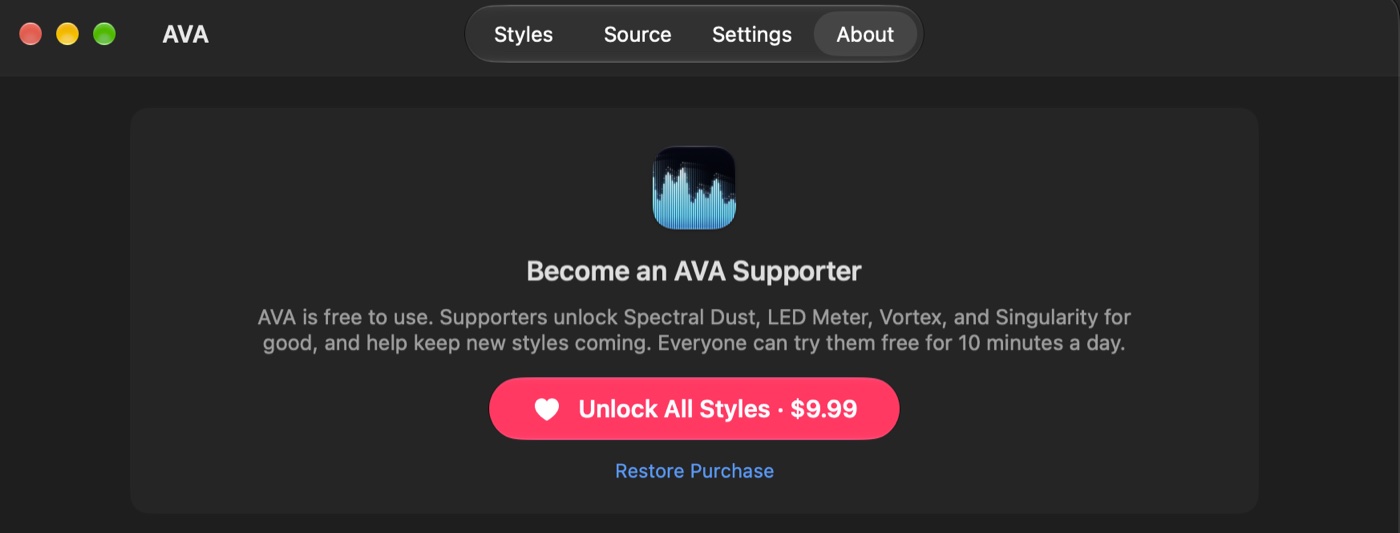
AVA is free to use. A one-time AVA Supporter purchase unlocks Spectral Dust, LED Meter, Vortex and Singularity, and helps keep new styles coming.
Everyone can try the supporter styles free for 10 minutes a day. Supporter styles show a heart on their preview tiles. The purchase and Restore Purchase are in Settings › About.
Privacy
AVA analyzes audio live, on your Mac, to draw its visuals. Audio is never recorded, stored or sent anywhere. AVA has no accounts, analytics or servers of its own. Purchases are handled entirely by the App Store. Read the full AVA Privacy Policy.